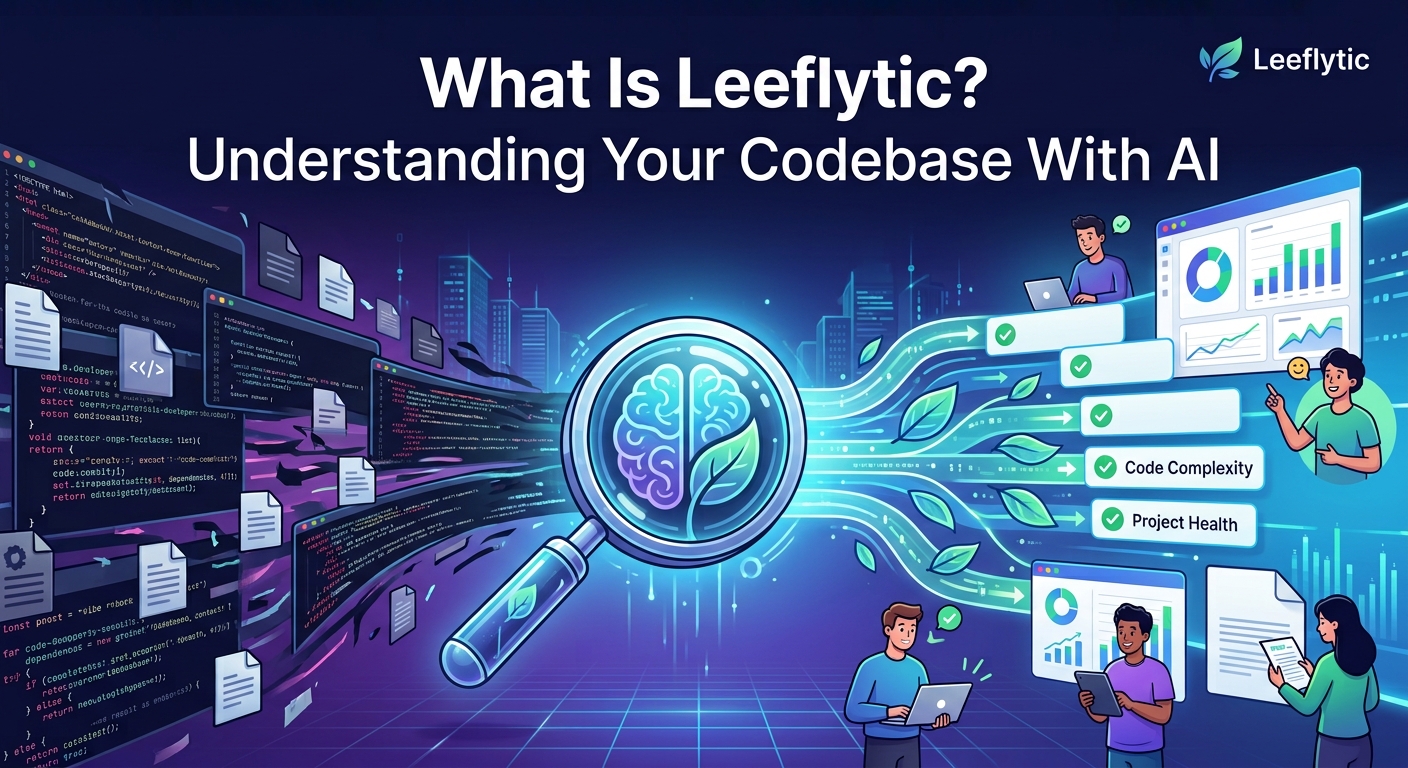
What Is Leeflytic? Understanding Your Codebase With AI
Raheem · · 8 min read
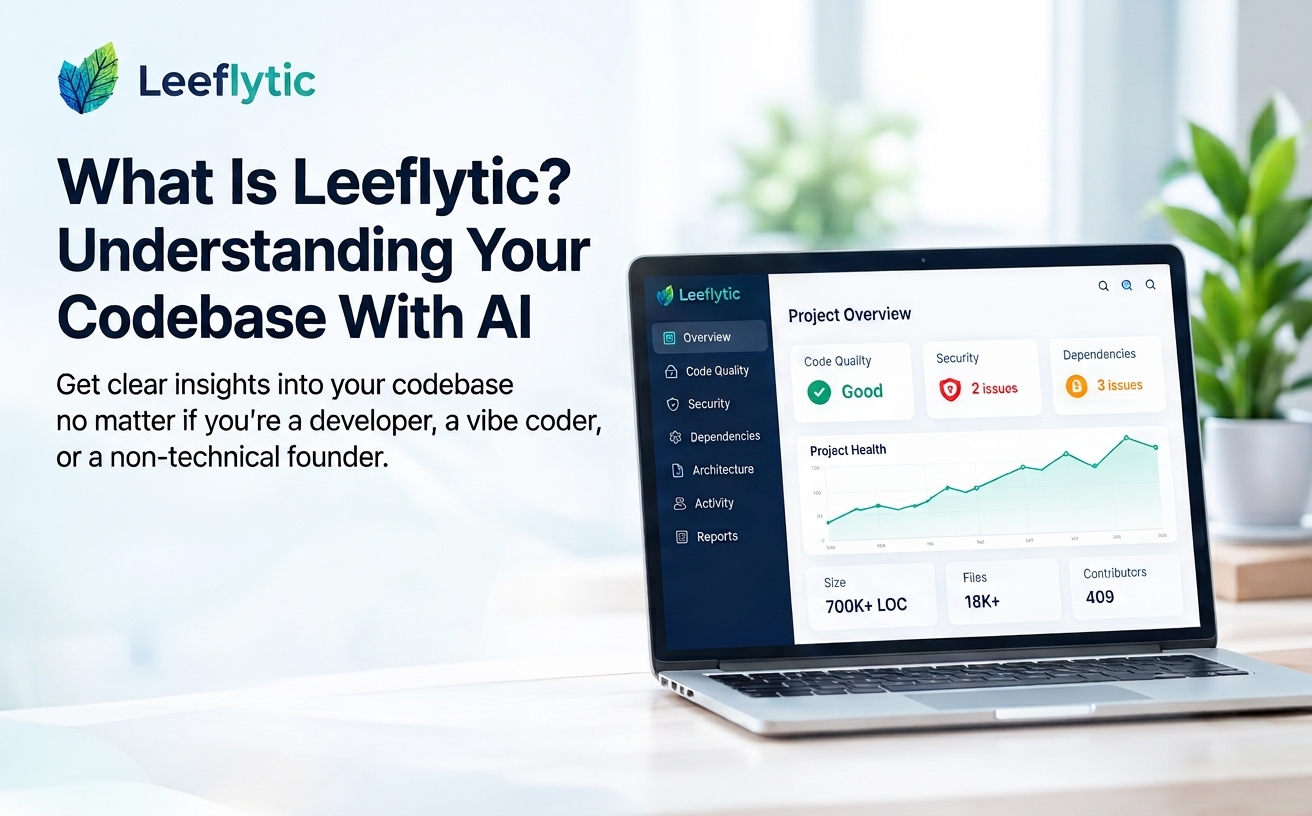
Building software has changed. You no longer need to be an experienced software engineer to build an application. With AI coding tools and the rise of vibe coding, more people are creating websites, applications, SaaS products, and automation tools than ever before.
Building software has changed.
You no longer need to be an experienced software engineer to build an application. With AI coding tools and the rise of vibe coding, more people are creating websites, applications, SaaS products, and automation tools than ever before.
But there is a problem.
What happens when your project starts getting bigger?
You might have hundreds or thousands of files, multiple dependencies, different technologies, security vulnerabilities, complex code, and months of development history.
And if you're not a technical expert, understanding what is actually happening inside your project can be even harder.
That's where Leeflytic comes in.
What is Leeflytic?
Leeflytic is an AI-powered developer intelligence platform that helps you understand what's happening inside your codebase.
You can connect a repository from GitHub, GitLab, or Bitbucket, and Leeflytic analyzes the project to provide insights into areas such as:
- Code quality
- Security vulnerabilities
- Dependencies
- Code complexity
- Project structure
- Technology usage
- Contributors
- Development activity
- Project health
Instead of asking you to understand thousands of lines of code, Leeflytic turns the information into dashboards, insights, reports, and AI-assisted recommendations.
You don't need to understand every line of code to understand the health of your project.
Built for developers, vibe coders, and everyone in between
Leeflytic isn't only for experienced software engineers.
It can be useful for anyone who owns, builds, manages, or works with software.
For developers
Experienced developers can use Leeflytic to quickly identify potential issues, understand unfamiliar repositories, investigate technical debt, and get a broader view of a project.
For vibe coders
This is where things get particularly interesting.
AI coding tools make it possible to build applications without necessarily understanding every technical detail behind them.
You might tell an AI coding tool:
"Build me a SaaS application with authentication, payments, a dashboard, and an API."
And it might actually build it.
But once the application becomes larger, you may start wondering:
- Is the code actually healthy?
- Are there security vulnerabilities?
- Are my dependencies outdated?
- Is the project becoming too complex?
- Are there unnecessary files or dependencies?
- What happens if I continue adding features?
- Is there technical debt I don't know about?
Leeflytic can help you answer those questions.
You can think of it as a health check for the software you've built with AI.
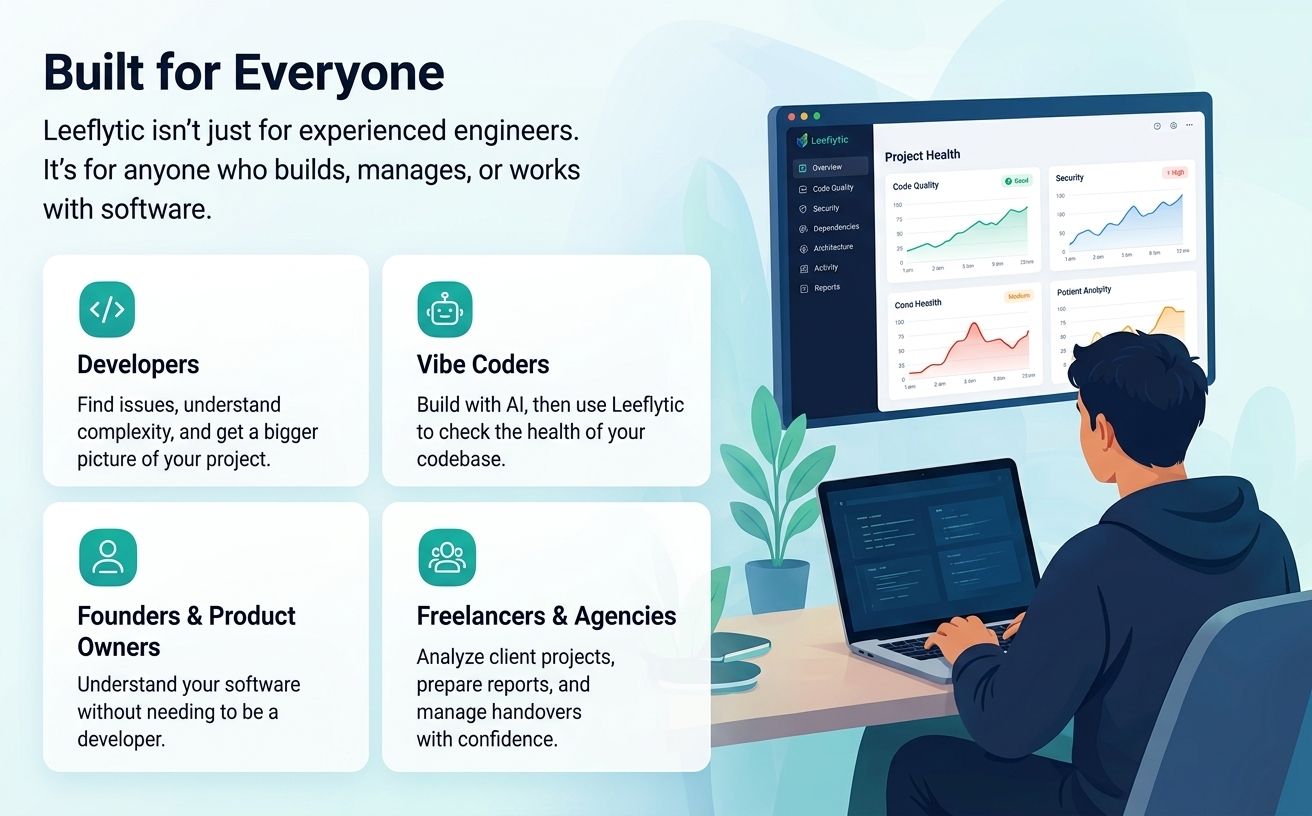
For non-technical founders and product owners
You don't have to be a developer to own a software product.
Many founders, entrepreneurs, agencies, and business owners have applications built by developers, freelancers, agencies, or AI coding tools.
The challenge comes when you need to understand the condition of that software.
For example, imagine you're preparing to take over an application from a freelancer.
You might not know:
- How complicated the codebase is.
- Whether there are security concerns.
- How many technologies are being used.
- Whether dependencies have issues.
- How active the project has been.
- Where the biggest technical risks might be.
Leeflytic can provide a high-level view of the project, helping you start the conversation with your developer or technical team from a more informed position.
You don't need to become a software engineer just to ask better questions about your software.
For freelancers and agencies
Leeflytic can also be useful when working with client projects.
Before taking over an existing project, you can analyze the repository and get a better understanding of what you're dealing with.
It can also be useful for:
- Technical assessments
- Project handovers
- Codebase audits
- Client reports
- Maintenance planning
- Pre-development assessments
The ability to generate PDF and PowerPoint reports makes it easier to turn technical findings into something you can share with a client or stakeholder.
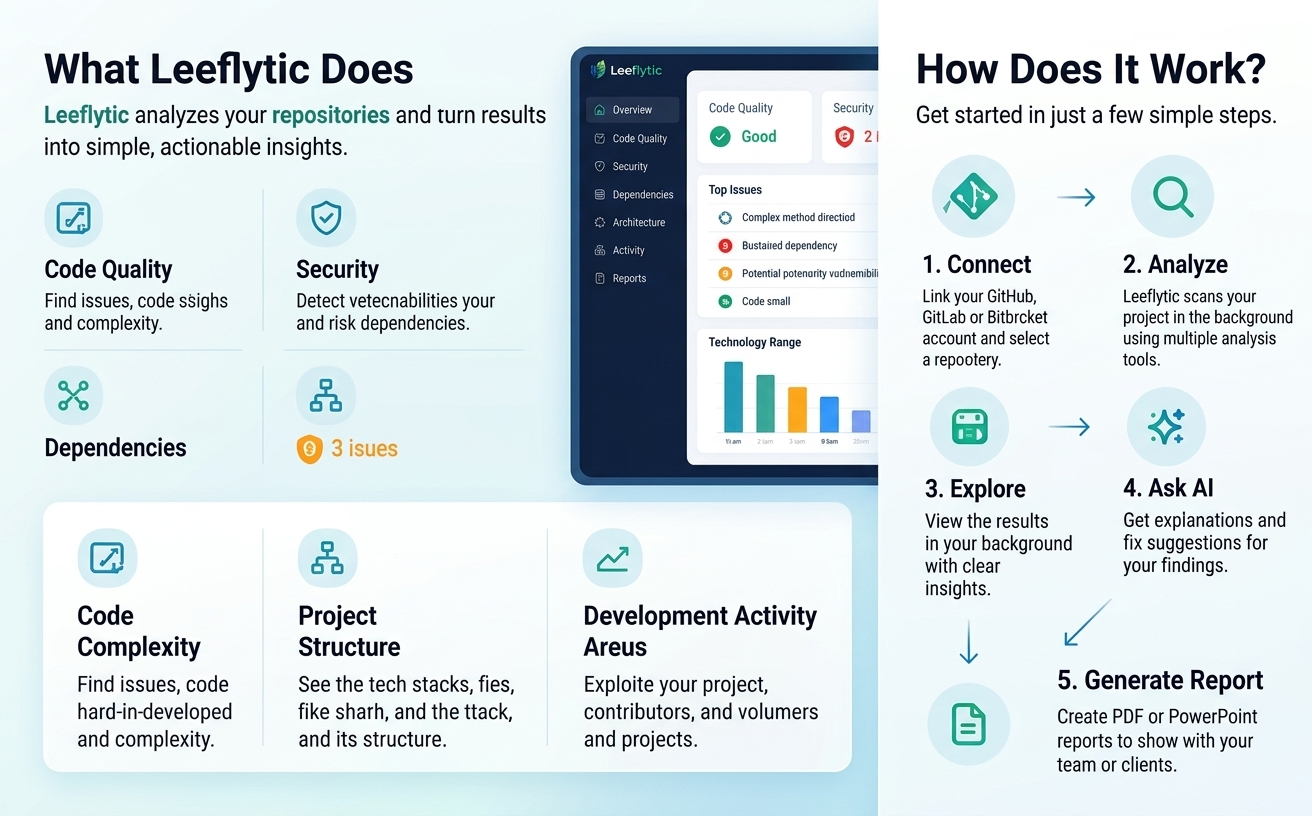
What does Leeflytic actually analyze?
Leeflytic looks at multiple aspects of a project rather than focusing on a single metric.
Code Quality
Identify potential code-quality issues, code smells, and areas of complexity.
Security
Find potential vulnerabilities and security-related issues within the project and its dependencies.
Dependencies
Understand what libraries and packages your project relies on and identify potential dependency issues.
Code Complexity
See which areas of your project may be more difficult to understand or maintain.
Project Structure
Get a high-level view of the technologies, files, and structure that make up your application.
Development Activity
Explore repository activity, contributors, commits, and how the project has evolved over time.
How does it work?
The process is simple.
1. Connect your repository
Connect your GitHub, GitLab, or Bitbucket account and select a repository.
2. Let Leeflytic analyze it
Leeflytic processes the project and runs its analysis in the background.
3. Explore your project
Once the analysis is complete, you can explore the results through the dashboard.
Instead of manually going through thousands of files, you get a structured view of what's happening inside the project.
4. Ask AI
When you find something you don't understand, AI-assisted functionality can help explain the finding and provide suggestions for addressing it.
5. Generate a report
You can generate PDF or PowerPoint reports when you need to share your findings with developers, teammates, clients, or other stakeholders.
Why is this becoming more important?
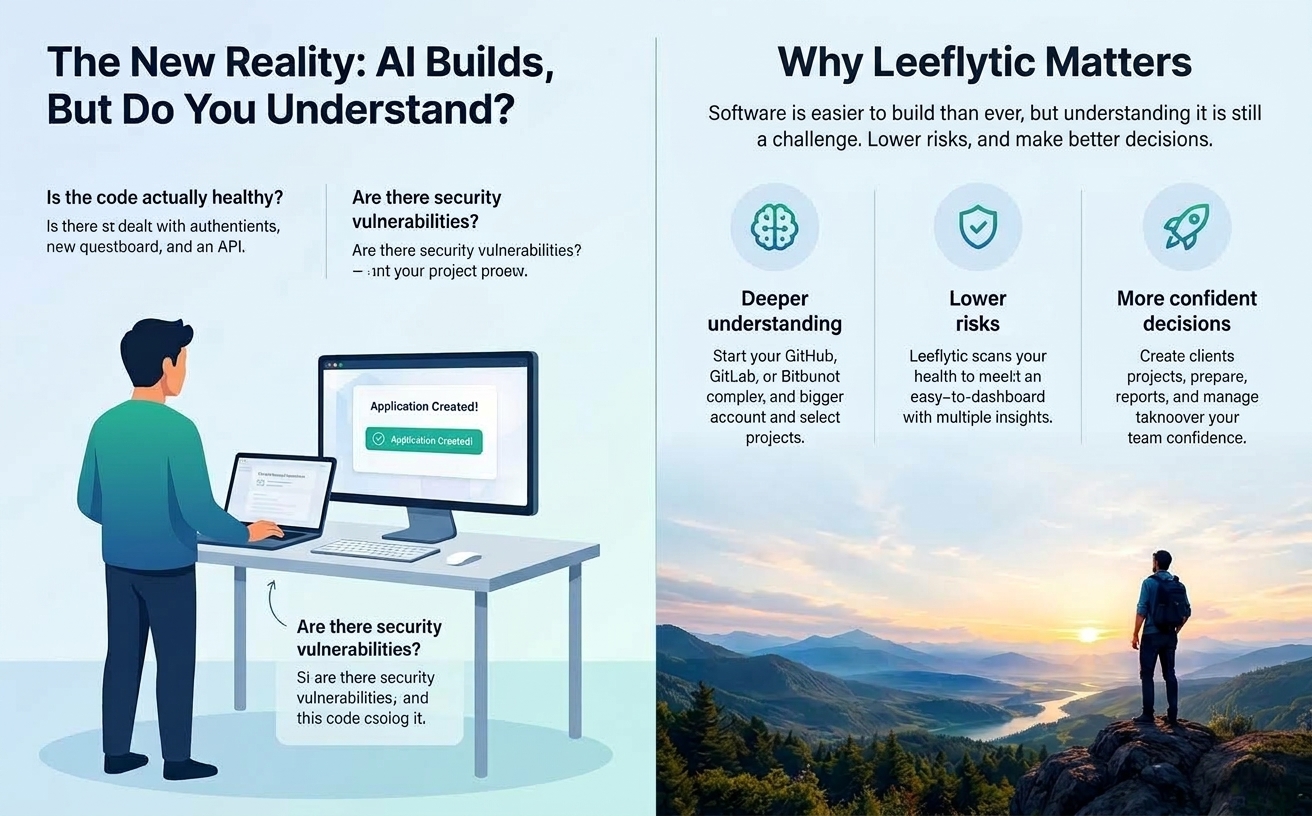
The way software is built is changing.
AI has dramatically lowered the barrier to creating software.
Someone with an idea can now create a working application with the help of AI coding tools without having years of programming experience.
That's exciting.
But building software and understanding software are two different things.
AI can generate thousands of lines of code very quickly.
The harder question can be:
"Is the software I just built actually healthy?"
That's the problem Leeflytic is trying to help solve.
Leeflytic as a codebase health check
One way to think about Leeflytic is as a health check for your software project.
Just like you might check the health of a system before making a major decision, Leeflytic gives you a way to inspect your codebase and identify areas that may need attention.
It doesn't replace your developer or technical team.
Instead, it gives everyone a common starting point.
A developer can investigate the technical details.
A founder can understand the bigger picture.
A freelancer can prepare a client report.
And a vibe coder can get a better idea of what's happening underneath the application they built with AI.
What makes Leeflytic different?
There are already many excellent tools for static analysis, security scanning, code quality, and engineering metrics.
Leeflytic takes a broader approach.
The goal isn't simply to tell you:
"There is a problem in this file."
It's to help you understand:
"What is happening inside my project?"
And then help you explore:
- What are the biggest issues?
- Where are the potential risks?
- How complex is the project?
- What technologies are being used?
- How has the project evolved?
- What should I investigate?
- How can I start fixing the issues?
Pricing
Leeflytic currently offers an early-stage paid plan for developers and smaller teams.
| Plan | Price | What's Included |
|---|---|---|
| Early Starter | $15/month | Repository analysis, code insights, AI-assisted suggestions, PDF/PPTX reports, and more |
| Enterprise | Coming soon | Advanced enterprise capabilities and custom requirements |
Pricing and features may change as Leeflytic continues to evolve.
What happens to your source code?
When connecting any repository to an external service, understanding how your data is handled is important.
Leeflytic is designed around analyzing repositories and retaining analysis results, metrics, insights, and summaries rather than permanently storing complete source code.
You can read more about data handling in the Leeflytic Privacy Policy.
If you're working with sensitive or proprietary software, review the privacy policy and your organization's requirements before connecting a repository.
Who should try Leeflytic?
Leeflytic can be useful if you are:
- 👨💻 A software developer
- 🤖 A vibe coder using AI to build applications
- 🚀 A founder building a SaaS product
- 🧑💼 A non-technical product owner
- 🛠️ A freelancer taking over an existing project
- 🏢 An agency working with client codebases
- 🔍 Someone who simply wants to understand what's inside a repository
You don't need to be an expert in software engineering to start asking questions about the software you own.
What's next for Leeflytic?
Leeflytic is still evolving.
The long-term goal is to make software intelligence more accessible to everyone who builds or works with software.
As AI continues to make software development easier, understanding the software being created becomes increasingly important.
The future isn't only about AI writing code.
It's also about AI helping us understand the code that gets written.
Final Thoughts
You don't need to be a senior developer to care about the health of your software.
You might be building your first application with an AI coding tool.
You might be a founder who hired someone to build your product.
You might be a freelancer taking over an existing project.
Or you might simply be a developer trying to understand a codebase you didn't create.
In all of those situations, one question remains:
"What's actually happening inside my codebase?"
That's the question Leeflytic was built to help answer.
Connect your repository. Analyze your codebase. Understand what's happening.