
Leeflytic in Action: A Live Code Analysis Demo
Raheem · · 4 min read
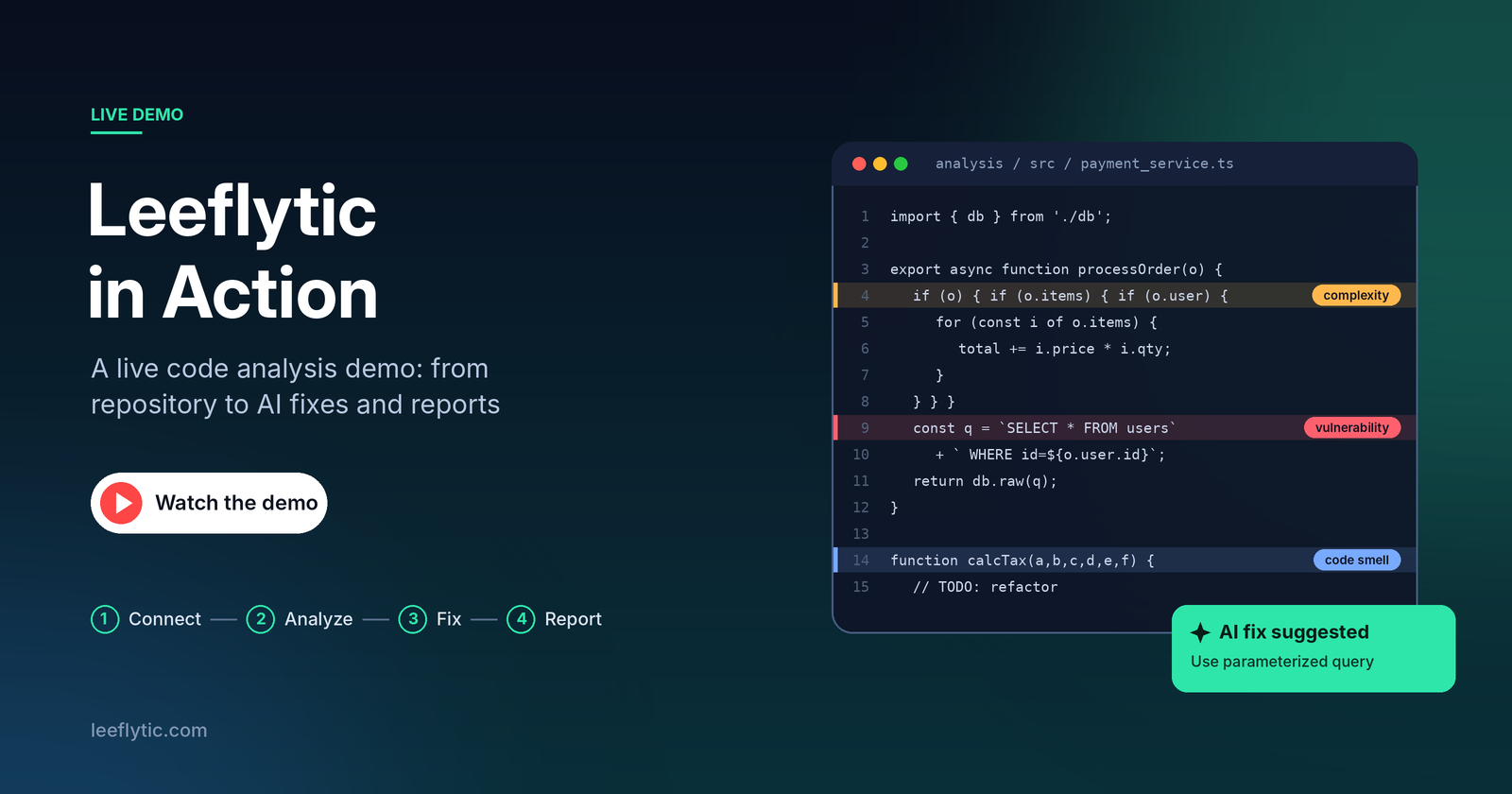
So, what actually happens when you connect a real codebase to Leeflytic? In this demo, I walk through the full process from connecting a repository to getting a complete analysis report. Leeflytic is built to answer a simple question:
What’s actually happening inside our codebase?
Instead of manually going through thousands of files, Leeflytic analyzes the repository and brings the important things together code quality, complexity, security, dependencies, project structure, contributions, and more.
And this isn't a demo using some tiny sample project. We're running the analysis against a real repository.
Watch the demo
You can watch the full walkthrough on the Leeflytic YouTube channel.
If you'd rather read, here's what happens in the demo.
From repository to insights
1. Connect your code
We start by signing in to Leeflytic and connecting a GitHub account.
GitLab and Bitbucket are supported too, so you can analyze repositories regardless of where your code is hosted.
2. Pick a repository
Once the provider is connected, Leeflytic shows the repositories available to analyze.
I select the repository and start the analysis.
That's it. No complicated configuration or manual setup.
3. Let Leeflytic analyze the codebase
Leeflytic creates a temporary copy of the repository and runs the analysis in the background.
It looks at different parts of the codebase using multiple analysis tools and brings those results together into one place.
You don't need to sit there watching a progress bar. Once the analysis is complete, the project is ready to explore.
4. Explore the project dashboard
This is where things start getting interesting.
The dashboard gives you an overview of the project and its codebase, including things like:
- Lines of code
- Files and technologies
- Contributors
- Code complexity
- Code-quality issues
- Security findings
- Dependency issues
- Project activity and trends
Instead of opening files one by one and trying to understand the project manually, you get a much clearer picture of what's inside the repository.
Finding the problems that matter
One of the things I wanted Leeflytic to do was go beyond simply showing numbers.
For example, if a project has a complexity problem, you should be able to find where that complexity actually exists.
The same applies to code-quality issues, vulnerabilities and dependency problems.
You can drill down into individual findings and see the relevant details behind them.
This makes it easier to go from:
"There is a problem."
to:
"Here is where the problem is, and here is what I can do about it."
What about AI?
This is where Leeflytic becomes more than just another code-analysis dashboard.
When Leeflytic finds certain issues, you can use its AI capabilities to get suggestions for fixing them.
Instead of only telling you that something needs attention, Leeflytic can help you understand the issue and suggest a possible way to address it.
You can review the suggestion before making any changes to your code.
The goal isn't to replace the developer.
It's to reduce the amount of time developers spend figuring out what went wrong and where to start fixing it.
And yes, you can turn the analysis into a report
Once the analysis is complete, you don't have to keep everything inside Leeflytic.
You can export the results as a PDF or PowerPoint report.
This can be useful when you need to share the state of a project with:
- Your development team
- Engineering leads
- Managers
- Clients
- Stakeholders
Especially when you're dealing with a large or unfamiliar codebase, having everything summarized in one report makes the conversation much easier.
Why I built this
I've worked with enough codebases to know how difficult it can be to understand what's really happening inside a project.
A repository can have thousands of files, hundreds of contributors and years of development history.
Looking at the Git repository alone doesn't always give you the full picture.
That's the problem I wanted Leeflytic to solve.
Connect the repository. Analyze the codebase. Understand what's happening. Find the problems. And use AI to help work through them.
That's the idea behind Leeflytic.
Try it with your own repository
If you want to see what Leeflytic can find in your own project, you can try it yourself.
- Go to leeflytic.com
- Connect your GitHub, GitLab or Bitbucket account.
- Select a repository.
- Let Leeflytic analyze it.
You might be surprised by what you find inside a codebase you thought you already knew.
And if you want to see more real-world examples, check out the Leeflytic YouTube channel for demos and walkthroughs.